Addiing Objects to a Library from a Project Model
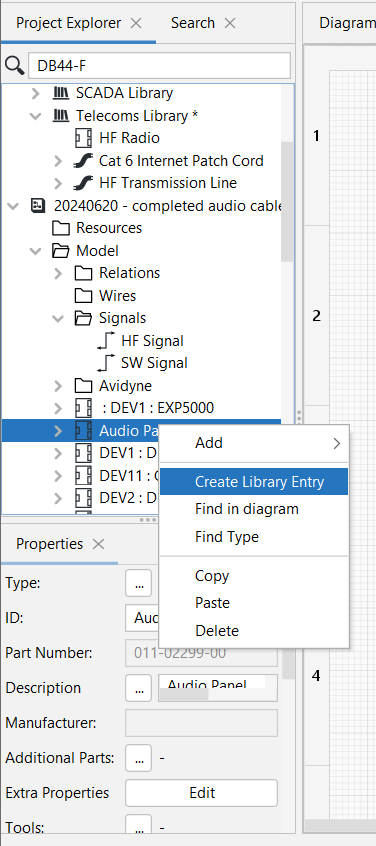
One can also add objects available in a Model to a Library, such as in this example where an Audio Panel available in the Model should be added to the Telecoms Library.
This is done by right-clicking on the Audio Panel object available in the Model and then selecting Create Library Entry.
|
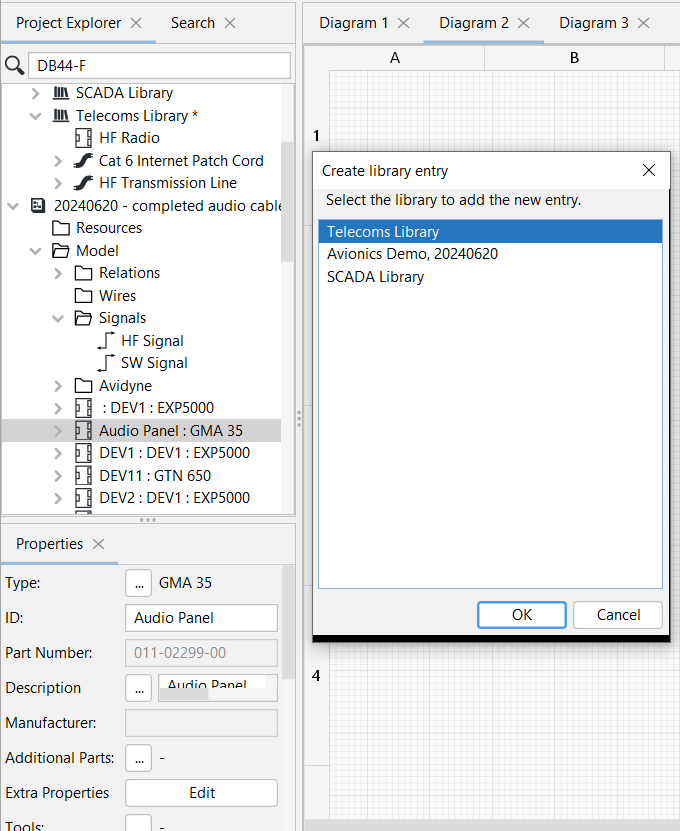
Then select the Library where you want the entry to be created, in this case the Telecoms Library:
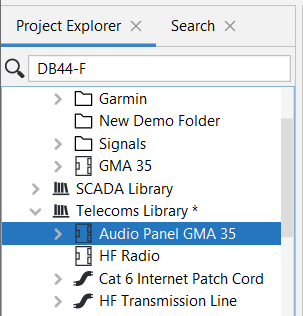
After which the Audio Panel will appear in the Telecoms Library:
|