Diagram Location
The Diagram Panel is on the right side of the screen by default. It is marked in red below.
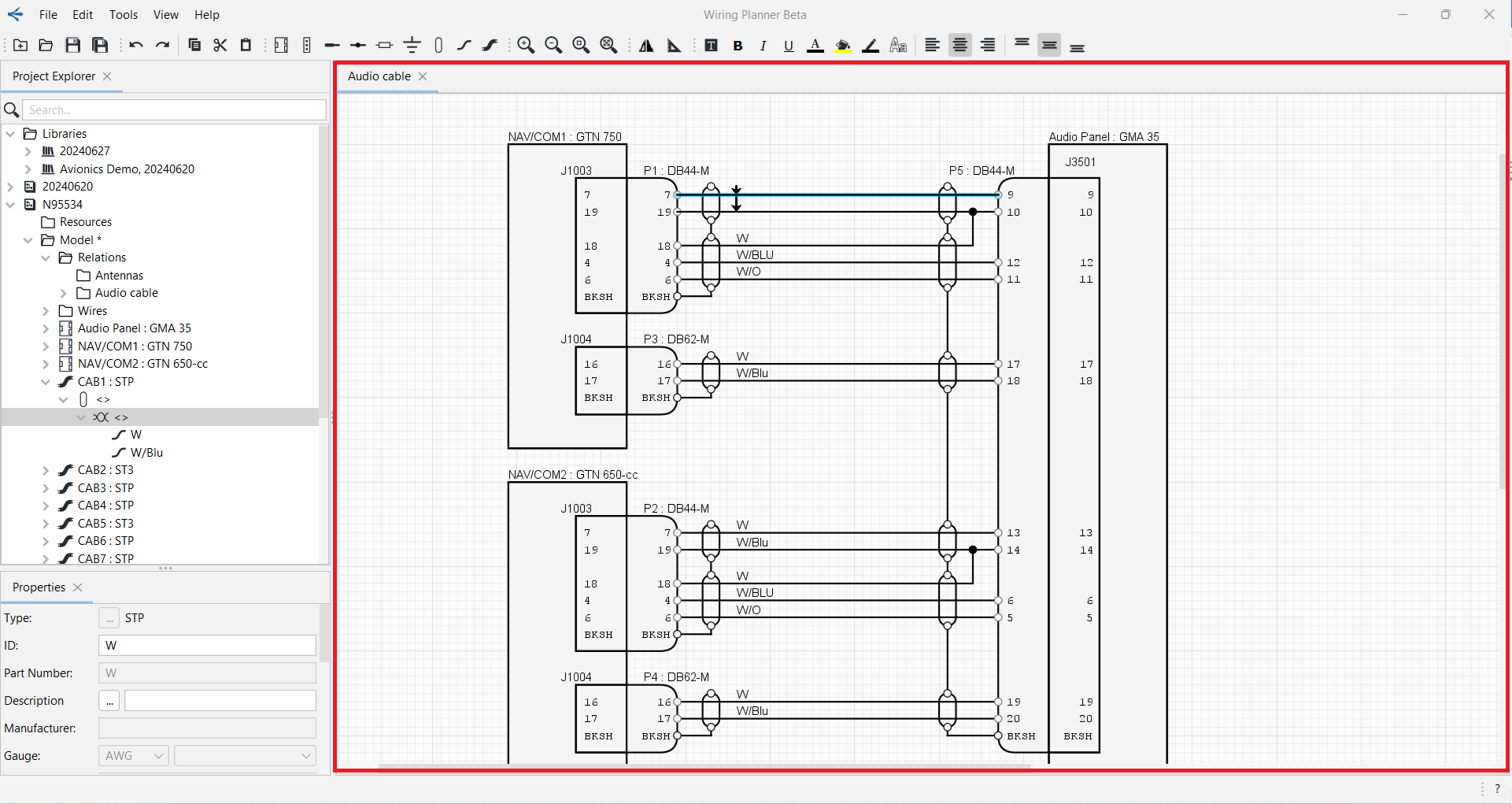
The Diagram Panel is where you can view and edit diagrams. The Diagram Name is shown on the tab at the top of the Diagram Panel. If more than one diagram is open, you can select the diagram to view or edit by clicking its tab.
The Diagram Panel may be undocked and moved to a different side of the screen or to a different monitor if desired. See Docking/Undocking Panels.