Restore Default Screen Layout
Selecting View - Restore Default Screen Layout will collapse the display of all the constituent objects of the Libraries and Projects and only show their headings.
|
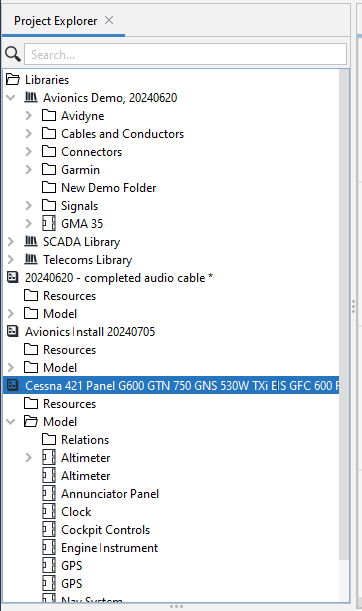
As an example: When there are a large number of objects displayed in the Libraries and/or Projecs in the Project Explorer Panel as in the following example, you can choose, by Selecting View - Restore Default Sceen Layout, to hide all the sub-elements, and only show the headings.
|
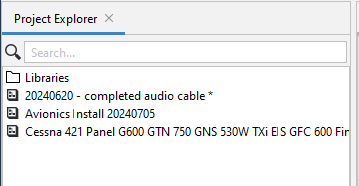
After the selection everything will be collapsed, and all that you will see will be:
|