Defining Panel Planner Objects not contained in a Wiring Planner Library
If there is an element in the Panel Planner project that was imported into Wiring Planner, for which there are no objects with which it can be associated in a Wiring Planner Library, then one can create them manually. For example, if the required altimeter is not available in the library,
1. Right-click Altimeter in the project and add a connector. If the connector is not typed, add the number of contacts and other properties in the Properties panel.
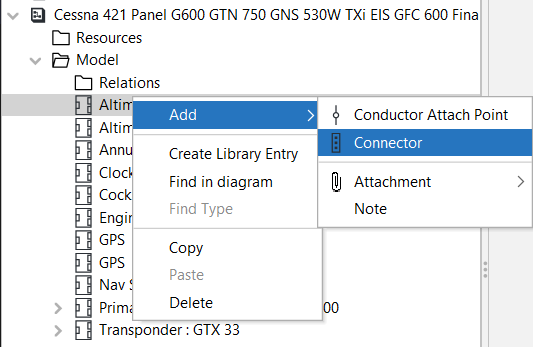
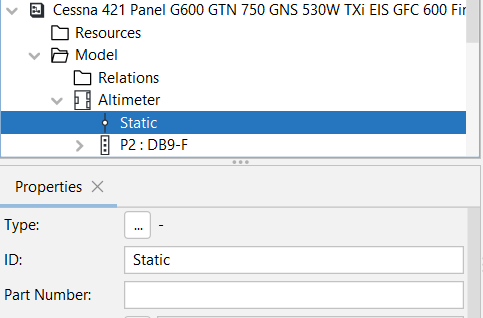
2. Add a Conductor Attach Point to represent the static line connection, and name it "Static".
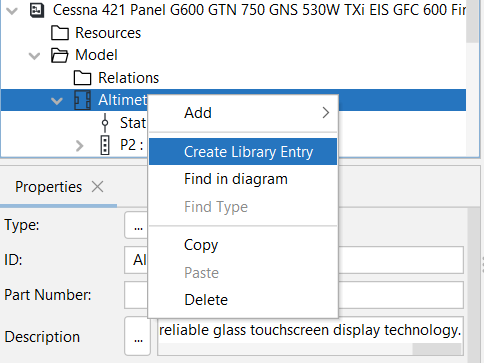
3. To reuse the Altimeter definition, right-click it and select Create Library Entry. The library entry can then be used to type the second Altimeter in this project or in other projects.