Examples of Defining or Typing Panel Planner Elements
In this topic we will provide examples of how to type objects of Imported Panel Planner projects.
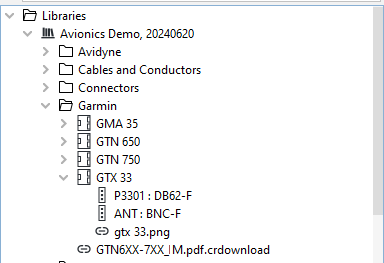
Type the Transponder
1. Select Transponder in the model as imported from Panel Planner
2. In the Properties panel, click on the ... icon next to Type. Then in the pop-up that opens select the applicable library (in this case Avionics Demo, 20240620) and then select the GTX 33. The transponder will then inherit all the connectors, signals, and attachments from the GTX 33.
Type the Primary Flight Display
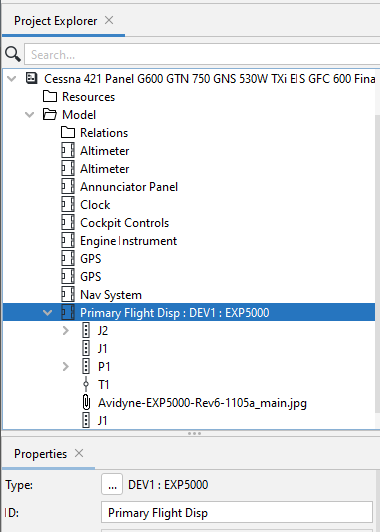
1. Select Primary Flight Disp in the model as imported from Panel Planner
2. In the Properties panel, click on the ... icon next to Type. Then in the pop-up that opens select the applicable library (in this case Avionics Demo, 20240620) and then select the EXP5000 in the Avidyne folder. The PFD will then inherit all the connectors, signals, and attachments from the EPX5000.
If the library does not contain the required type for an object, that object will have to be defined manually. To understand how this is done, see Defining Panel Planner Objects not contained in the Library.