Deleting Objects from a Model
|
|
|
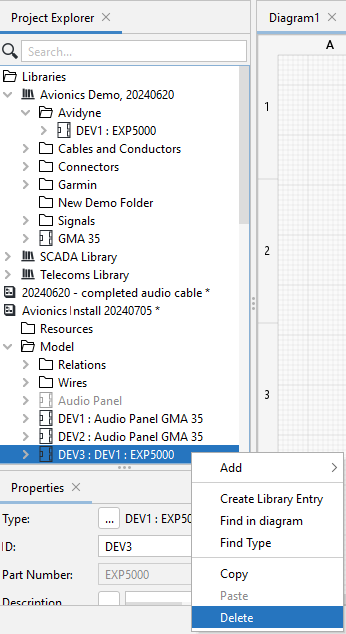
One can delete an object from a Model at any time by right-clicking on it and then selecting Delete.
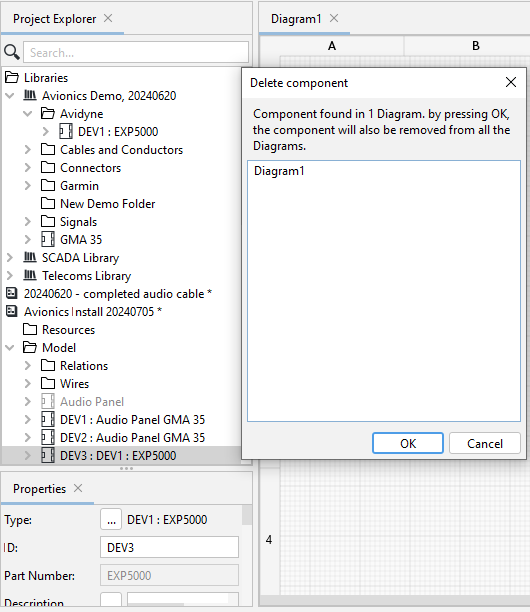
However, if the object had already been used on the Project Diagram, you will receive a warning that if you remove the object from the model, it will also be removed from the diagram.
Note that deleting an object from the Model does not remove the object from the Library.