Deleting a Folder or an Object from a Project
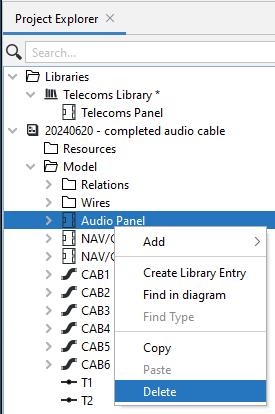
You can delete an object from a Project's Model by right-clicking on it and selecting Delete in the Drop-down list.
You can also delete an object in the Project's Model by simply highlighting it and pressing DEL.
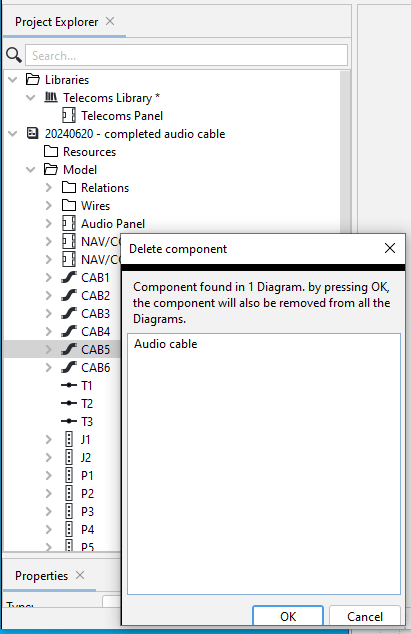
If the object you delete is shown on a diagram, a warning message will appear, alerting you that deleting it from the model will also delete it from the diagram.