Filter Conductors
The Filter Conductor  tool is useful for selecting more than one conductor at once.
|
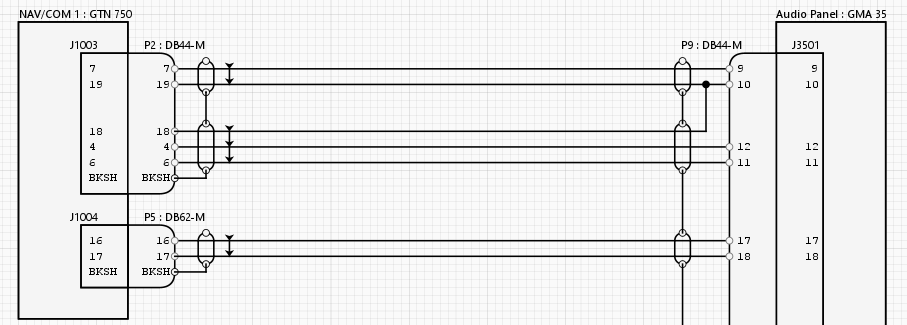
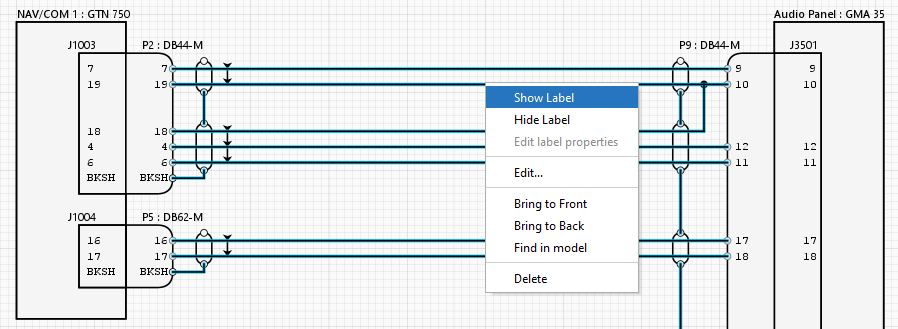
For instance, in the following schematic none of the conductors have labels. But by clicking on the Filter Conductor
To do this, click on the Filter Conductor
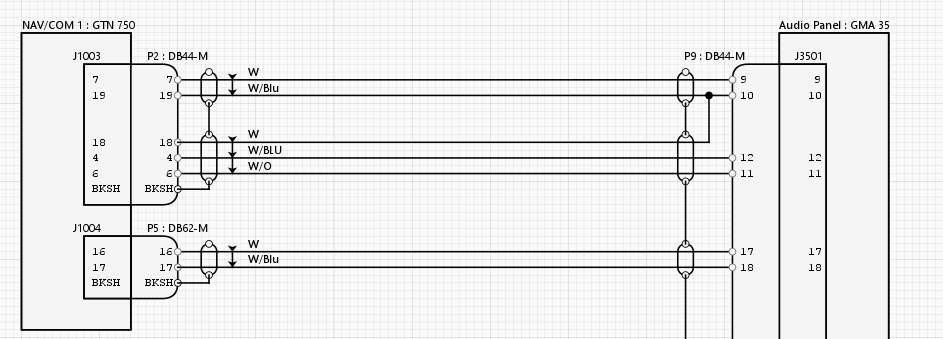
All conductor labels will then become visible.
The same applies to other functions that you want to apply to all the selected conductors, such as Edit , Bring to Front, Find in Model or Delete. |