Filter Lables
The Filter Labels tool is very handy when one wants to perform certain functions simultaneously on a collection of labels.
|
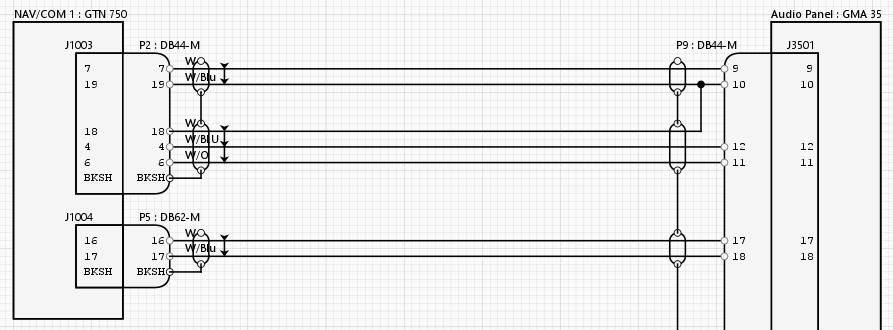
For example, in the schematic below, the conductor labels appear behind the Shield and should be moved away from the Shield to make them visible and legible.
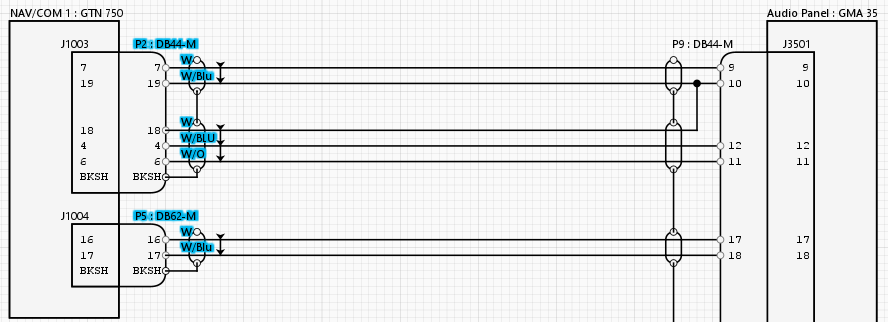
This can be done my moving the labels one by one, or by holding the CTRL key down and select all of them one by one. However, the fastest way of moving all the labels is to use the Filter Labels To do this, click on the Filter Labels
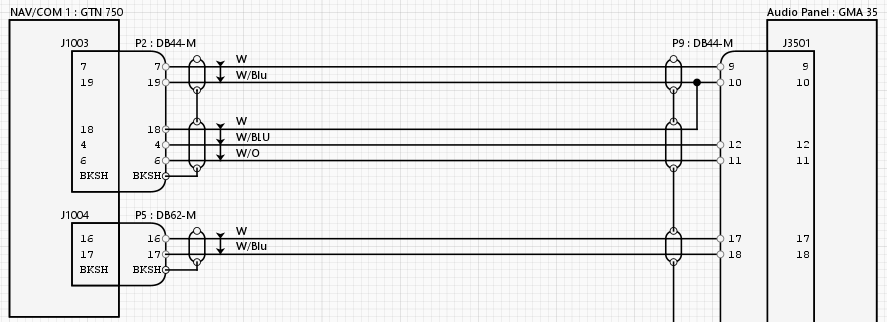
Move the selected labels all at once by dragging them to an area where they are unobstructed.
The same applies to other functions that you would like to apply to all the selected labels, such as:
. |