Import Panel Planner Design
The Import Panel Planner Design option lets you import projects from Panel Planner. To learn more about Panel Planner, see https://1mileup.com/product-panel-planner.
When a Panel Planner project (pp3) is imported into Wiring Planner, all the components in the Panel Planner project are automatically added to a Wiring Planner project. This reduces the time and effort required to create an electrical design in Wiring Planner.
For instance we can import the Panel Design file Cessna 421 Panel G600 750 GNS 530w TXi EIS GFC 600 Final.pp3 by selecting Tools, Import Panel Planner Design and then selecting the appropriate .pp3 file.
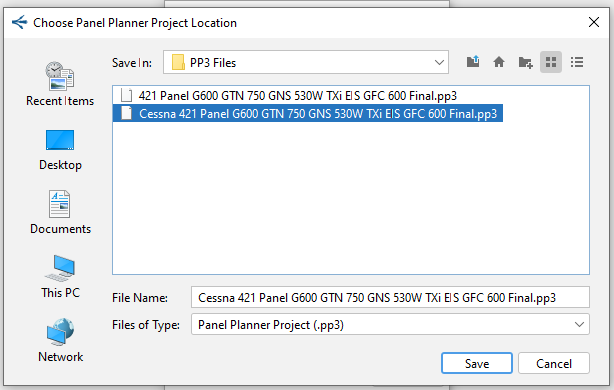
|
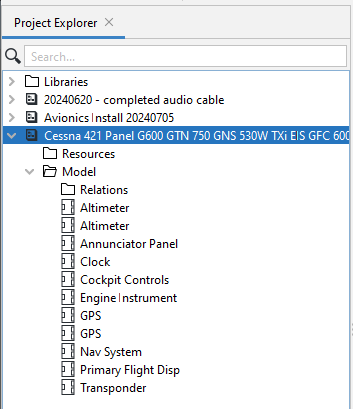
And after it has been imported, it will appear in Wiring Planner as a Project.
|
Related Topics: The Relationship between Panel Planner and Wiring Planner Designs Characteristics of a Panel Planner Design |