Project Explorer Panel
The Project Explorer is the panel that is on the upper-left side of the screen by default. It is marked in red below.
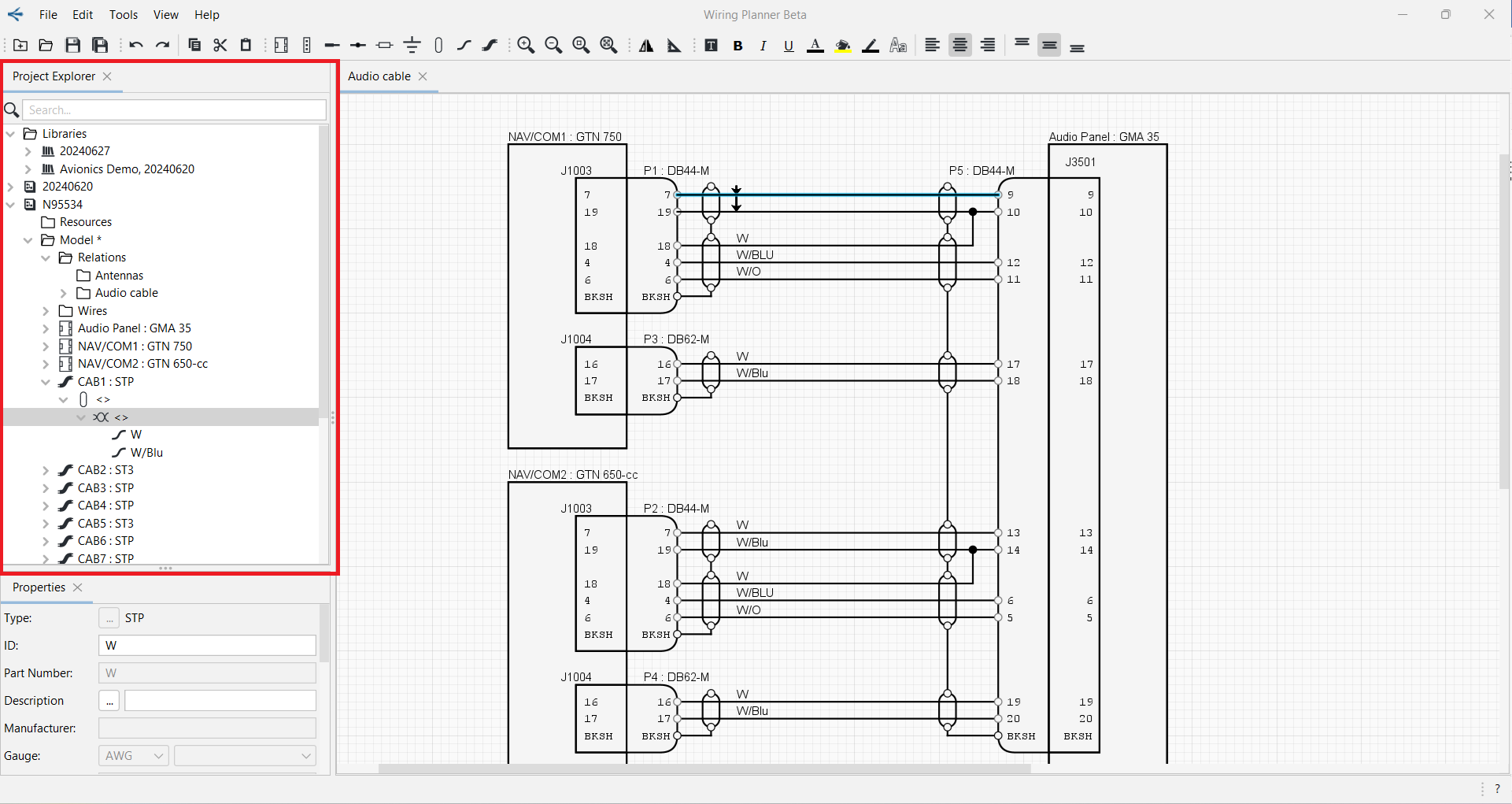
The Project Explorer is where you will see the Libraries and Projects that are opened.
The height or width of the Project Explorer panel may be changed by clicking on the boundary when the pointer becomes a double-headed arrow, and dragging it to the desired size.
The Project Explorer panel may be docked and moved to a different side of the screen or to a different monitor if desired. See Docking/Undocking Panels.