Properties Panel
The Properties panel is on the lower-left side of the screen by default. It is marked in red below.
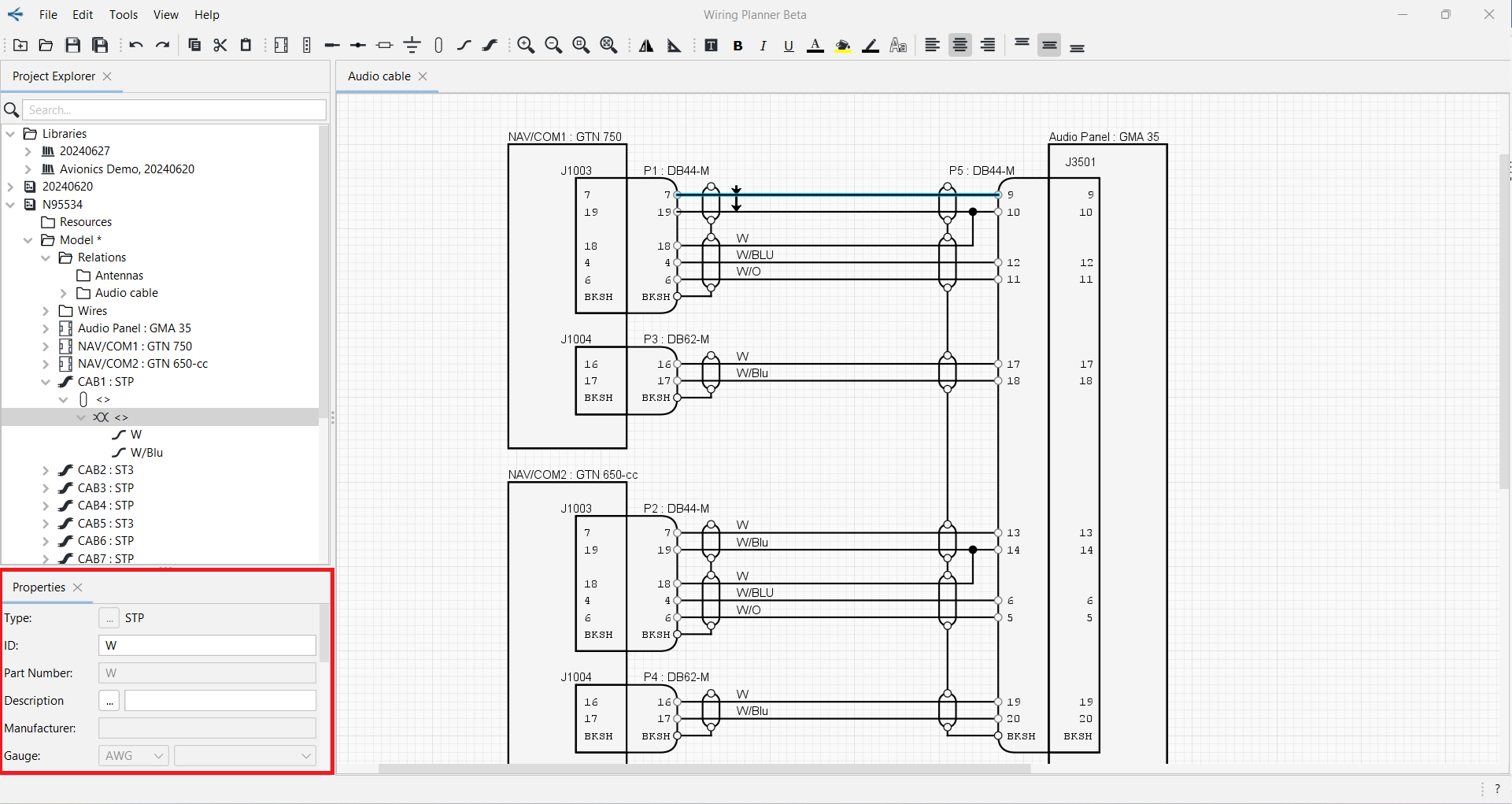
The Properties Panel shows the properties of any component selected in the Project Explorer or on a diagram.
The height or width of the Properties panel may be changed by clicking on the boundary when the pointer becomes a double-headed arrow, and dragging it to the desired size.
The Properties panel may be undocked and moved to a different side of the screen or to a different monitor if desired. See Docking/Undocking Panels.