Alternative Way of Saving a Library or Project
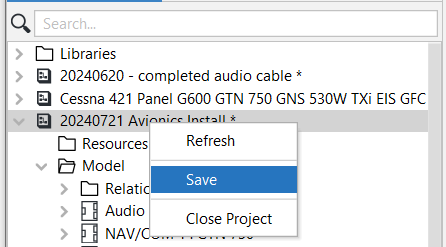
After making changes to either a Library or a Project, you can also save it by right-clicking on the applicable Library or Project, and then selecting Save.
Note that an unsaved Library or Project has an * (asterisk) behind it - indicating that there are unsaved changes. As soon as it has been saved, the * (asterisk) no longer appears.
Also note that once you have saved a Library or a Project the Save option will be grayed out.
Related Topics:
Project States