Opening Wiring Planner Files from File Explorer
You can also Open a Library or a Project from File Explorer by double-clicking it or by selecting Open from the context menu.
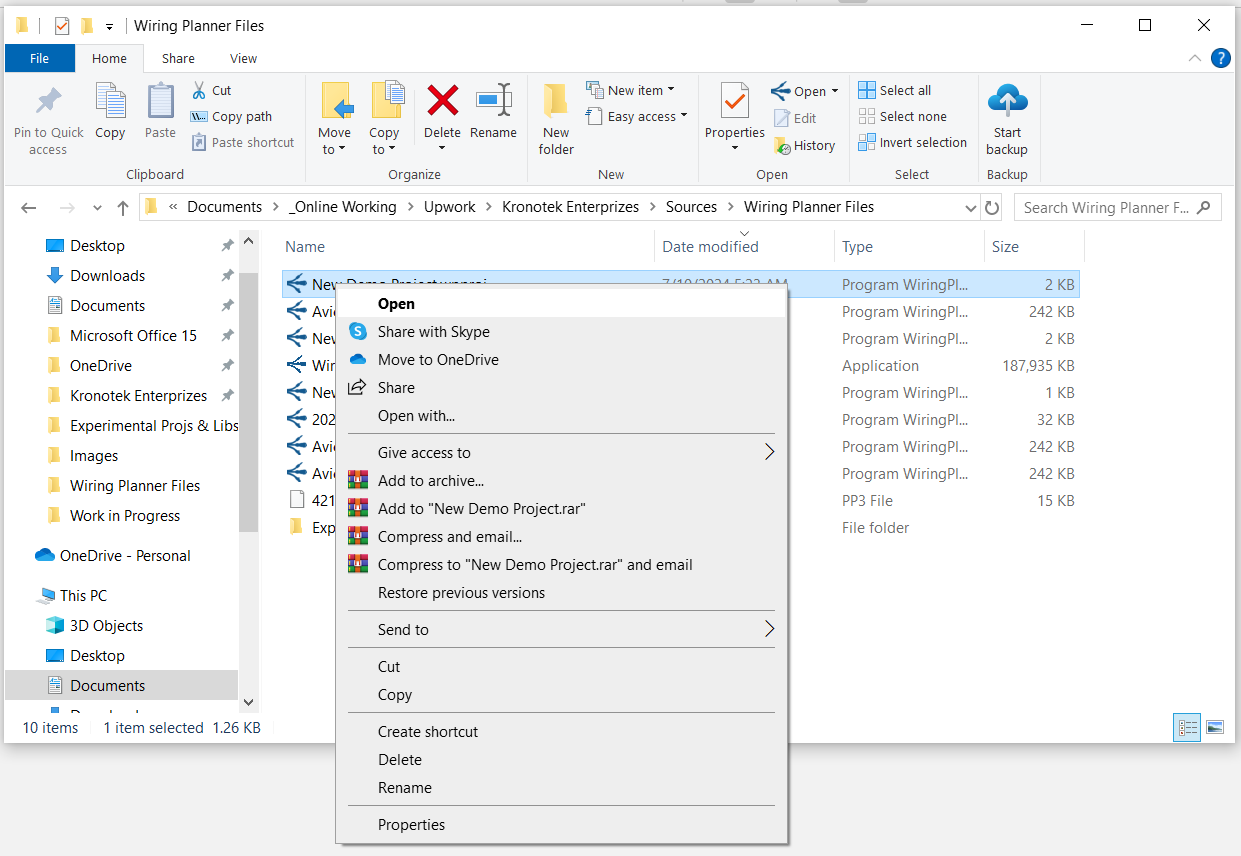
When opening a Wiring Planner file from File Explorer, the following scenarious may occur:
- Wiring Planner will open with the previously-opened files as well as the one opened from File Explorer.
- If Wiring Planner is already open, a new instance of Wiring Planner will open with the previously-opened files as well as the one opened from File Explorer.
Related Topics:
Opening a Library or Project
Alternative Way of Saving a Library or Project
Library States
Project States