File Management
The Main Toolbar has four File Management icons:
 Create a new Project or Library
For this action you can also use the Main Menu, File, New option.
|
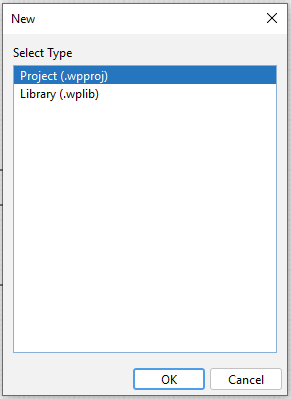
This takes you to the following window allowing you to either Create a New Project or a New Library.
|
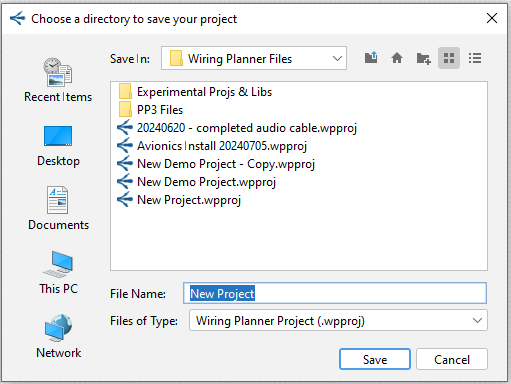
A File Explorer Window will then open where you can create and save the new Project (or Library).
|
 Open an existing project or library
For this action you can also use the Main Menu, File Open option.
|
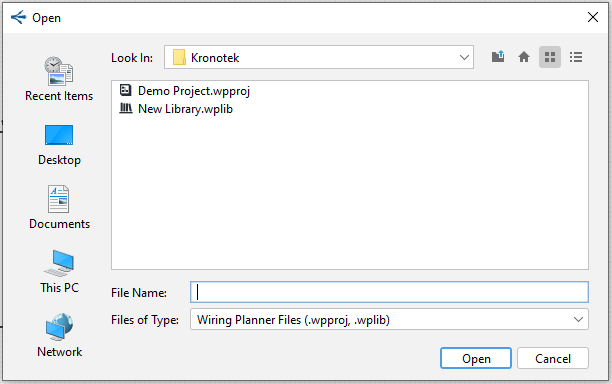
This option takes you to the following window allowing you to open an existing Library or Project.
|

This option allows you to Save either a Project or a Library.
 Save All (Libraries and Projects)
This option saves all open Libraries and Projects.