Connecting Two Contacts or Conductor Attach Points
As outlined and shown in the previous topic (Adding a Conductor to a Diagram), drag the required  Conductor onto the diagram where the two sets of Valid Mate connectors are.
Then proceed as follows:
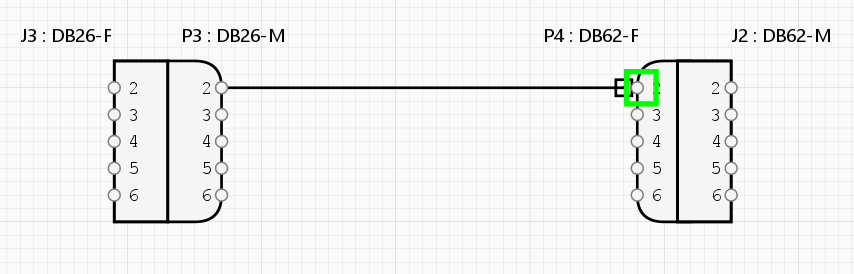
- Connect the Conductor to the first Contact point when a ⬜ Green Rectangle will appear if the connection is valid.
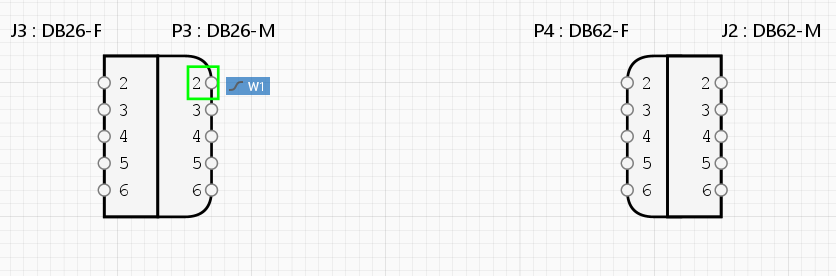
- Then drag the Conductor onto the second required Contact point when a ⬜ Green Rectangle will appear if the connnectin is valid. Release the mouse key.