Creating a Project
A New Project can be created in any of the following ways:
- Select New from the File option of the Main Menu
or
- Click on the
 icon on the Toolbar
In both instances a pop-up menu will appear, prompting you to either slect Library or Project
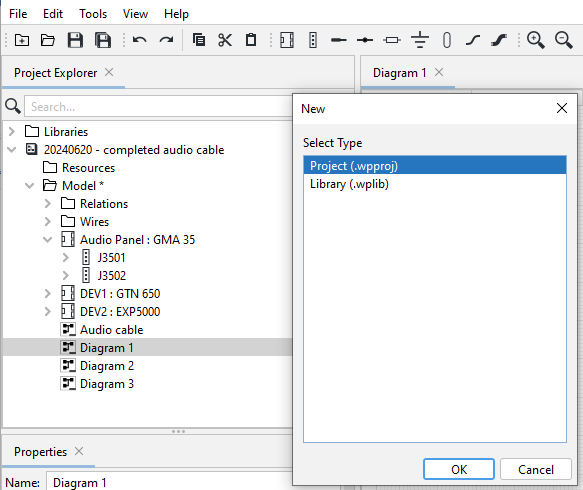
Then select Project, after which you are taken to the File Explorer folder where you can create the New Project:
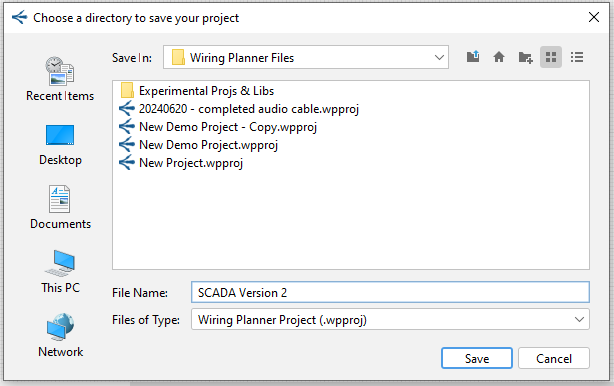
- Type a name and select the file location, then click Save.
- The project will then appear in the Project Explorer.
Note that any number of projects may be open at a given time, but to reduce memory usage and improve performance, projects not being edited may be closed by right-clicking the project and selecting Close.
Related Topics:
Project States
Principles and Rules Governing Wiring Planner Files