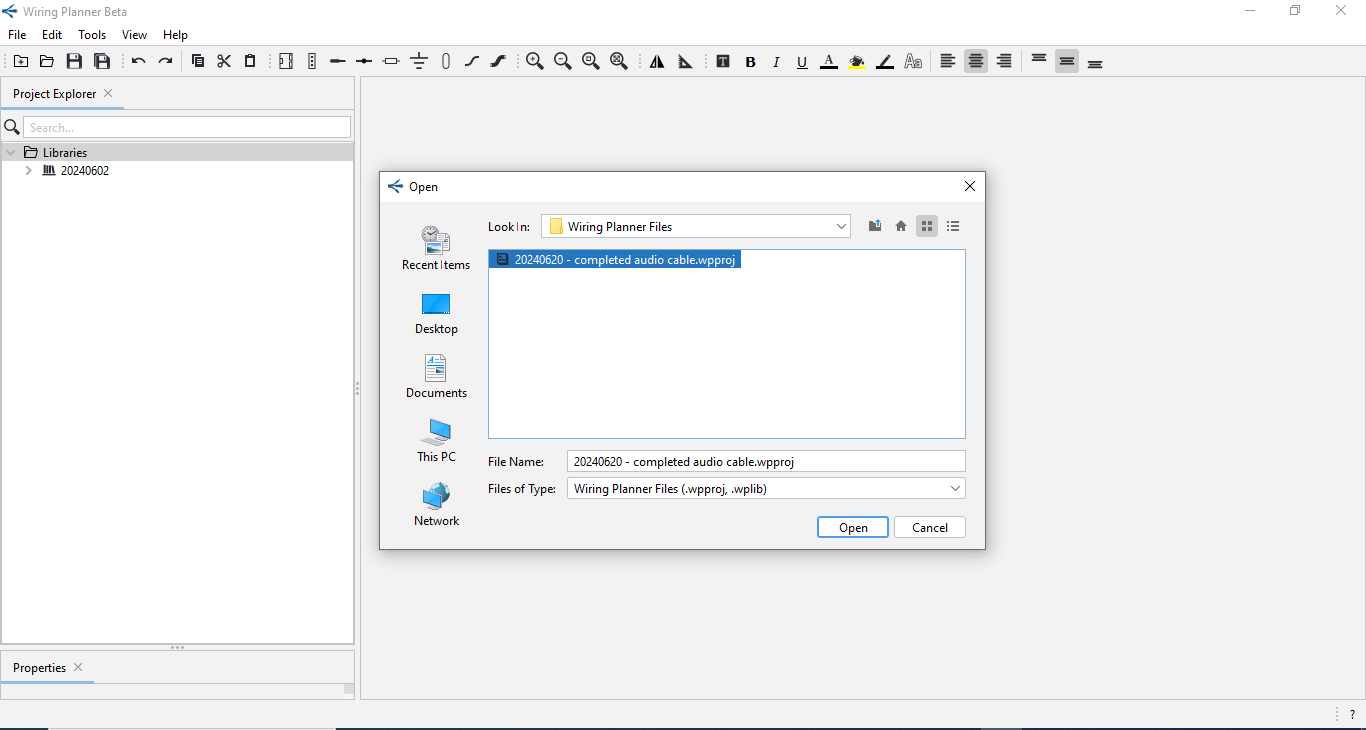
New
This option allows you to create a new Library or a New Project within Wiring Planner.
A New Library or Project can also be created by clicking on the  icon on the Main Toolbar
You will then be prompted to select either Project (having the suffix .wpproj) or
Library (having the suffix .wplib)
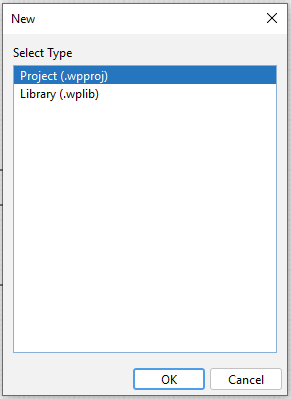
You will then be taken to File Explorer where you can Name and Save the New Project or Library.