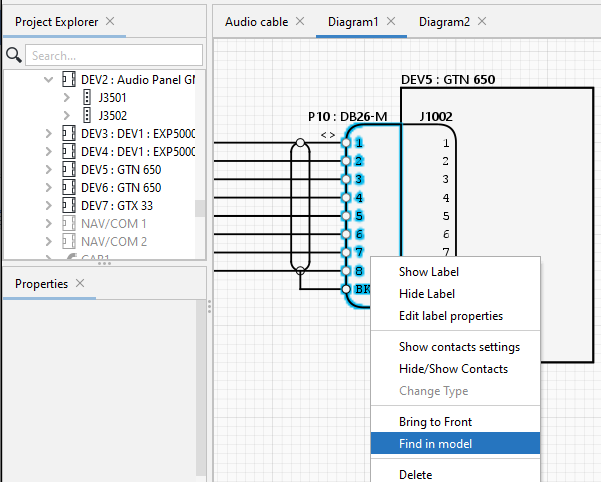
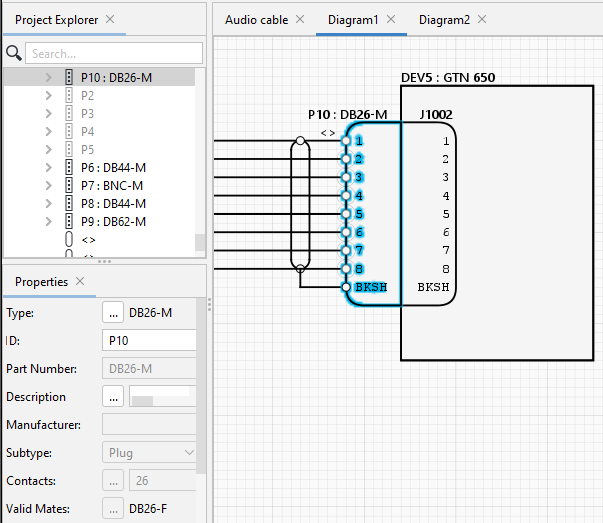
Wiring Planner ReferenceBasic Conventions, Principles and Rules Finding an Object in a Model that is shown on a Diagram To navigate from a diagram element to the model element, right click graphical symbol and select Find in model. Wiring Planner then highlights the model object. The object properties are shown in the Properies panel.