Untyping an Object
To untype a model object,
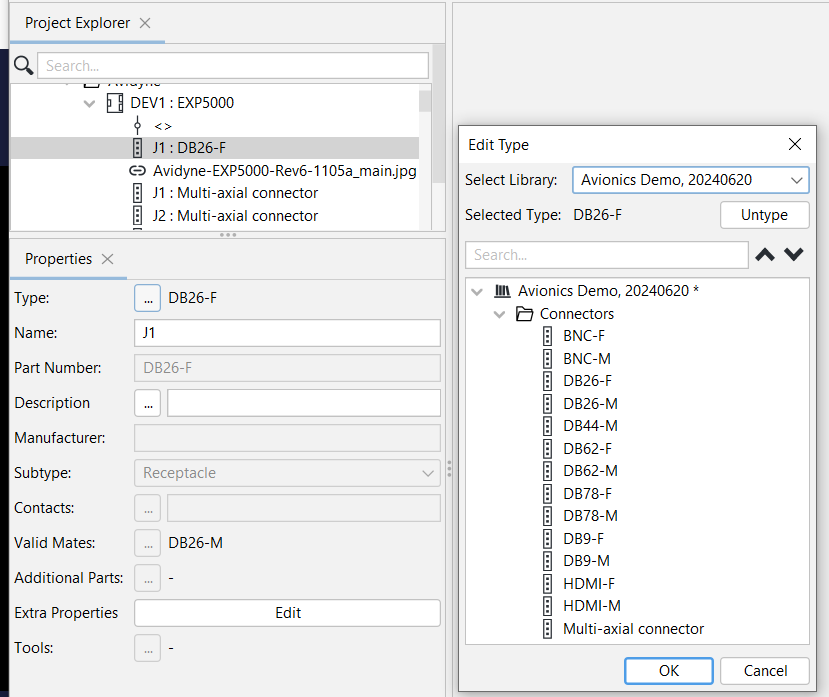
1. Click on the ... icon next to Type in the Properties Panel.
2. On the Edit Type window Click on Untype.
The Object is then no longer typed, so its properties may be modified.
For instance, after Untyping Connector J1 : DB26-F in this example, the connector appears as J1
without the DB26-F type.