Creating New Wiring Planner Files
A New Library or Project File can be created byeither by
- Selecting New from the File menu
or
- Clicking on the
 New icon in the Toolbar
In both cases you will be prompted to select either Library or Project:
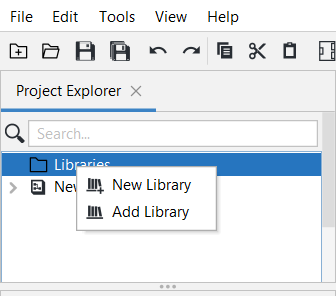
You will then be taken to File Explorer where you can create the Library or Project.
Note that at the bottom of File Explorer you can set a filter by changing the type of file to be displayed. This is particularly helpful when there are a large number Wiring Planner files to choose from.
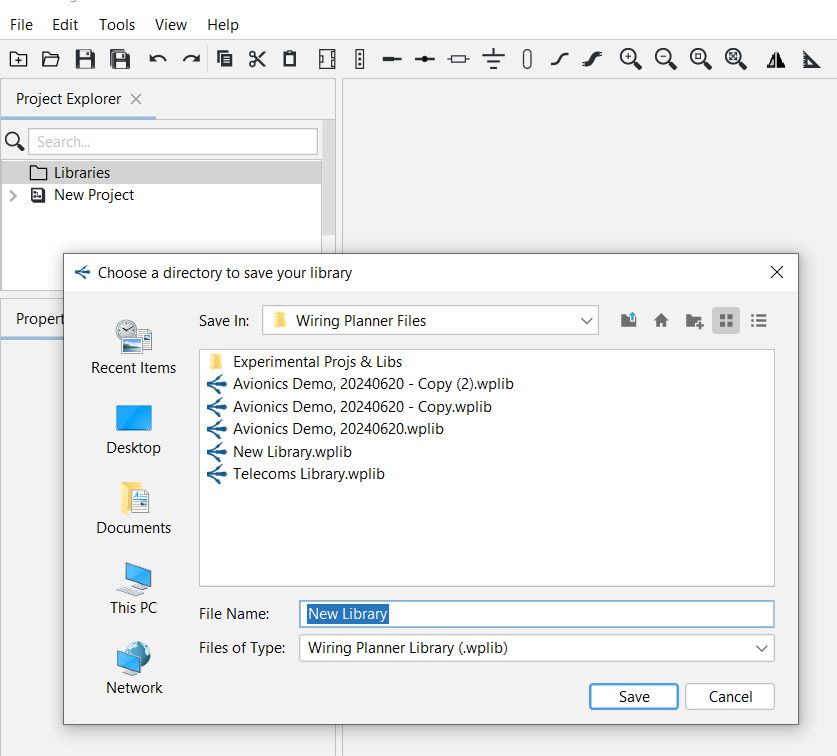
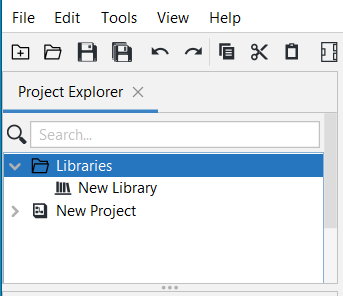
Give it a name and save. The New Library or Project will now appear in the Project Explorer Panel.
Related Topics: