Instantiating a Cable in a Project
A Library  Cable may be instantiated in a Project in one of three ways:
- Drag the Cable from the Library to the project's Model folder.
or
- Drag the Library Cable onto a Project Diagram. An instance of the Cable is automatically created in the Project Model.
or
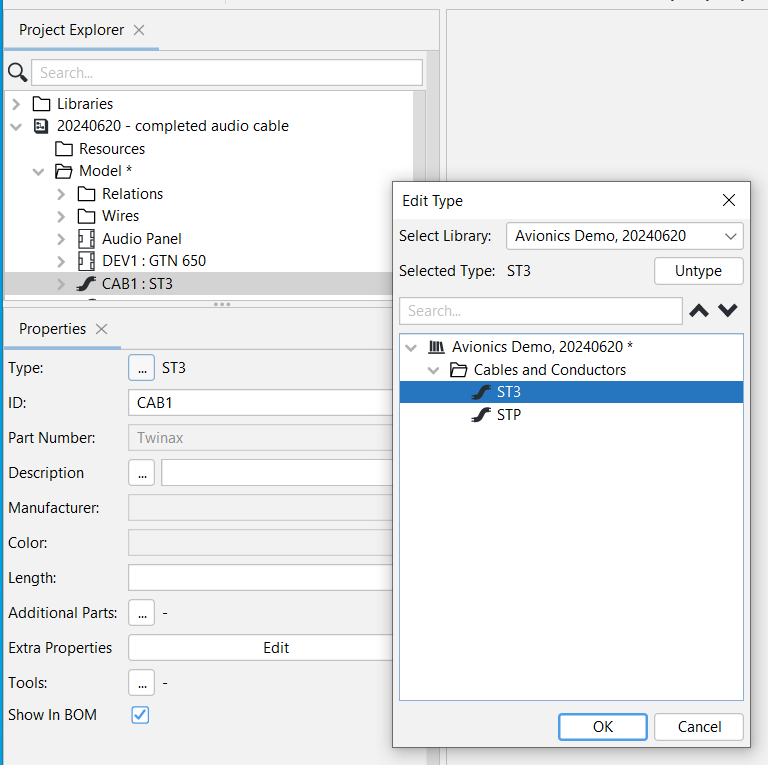
- Right-click the Model folder or a subfolder, click Add, select Cable, then in the Properties panel, click the ... icon next to Type and select the cable to be instantiated.
Using any of the above methods, the Cable will appear in the model with a default ID of CAB#, where # is a sequential number. The instance will inherit all the attributes of the library cable (the "type").
Related Topic: